Crop and straighten.
Reframe with a live crop overlay and straighten a tilted horizon. Aspect ratios snap; the original pixels are never thrown away.
Curves, color grading, filters, and non-destructive adjustments — compiled from Rust to WebAssembly. No install, no account, no upload. Your photos stay on your device.
Early access. Open source. Built with Rust.




Drag the bar to compare. Both sides are the same shot — the right was graded entirely in StoryVis, in your browser, with no upload and no plugin.

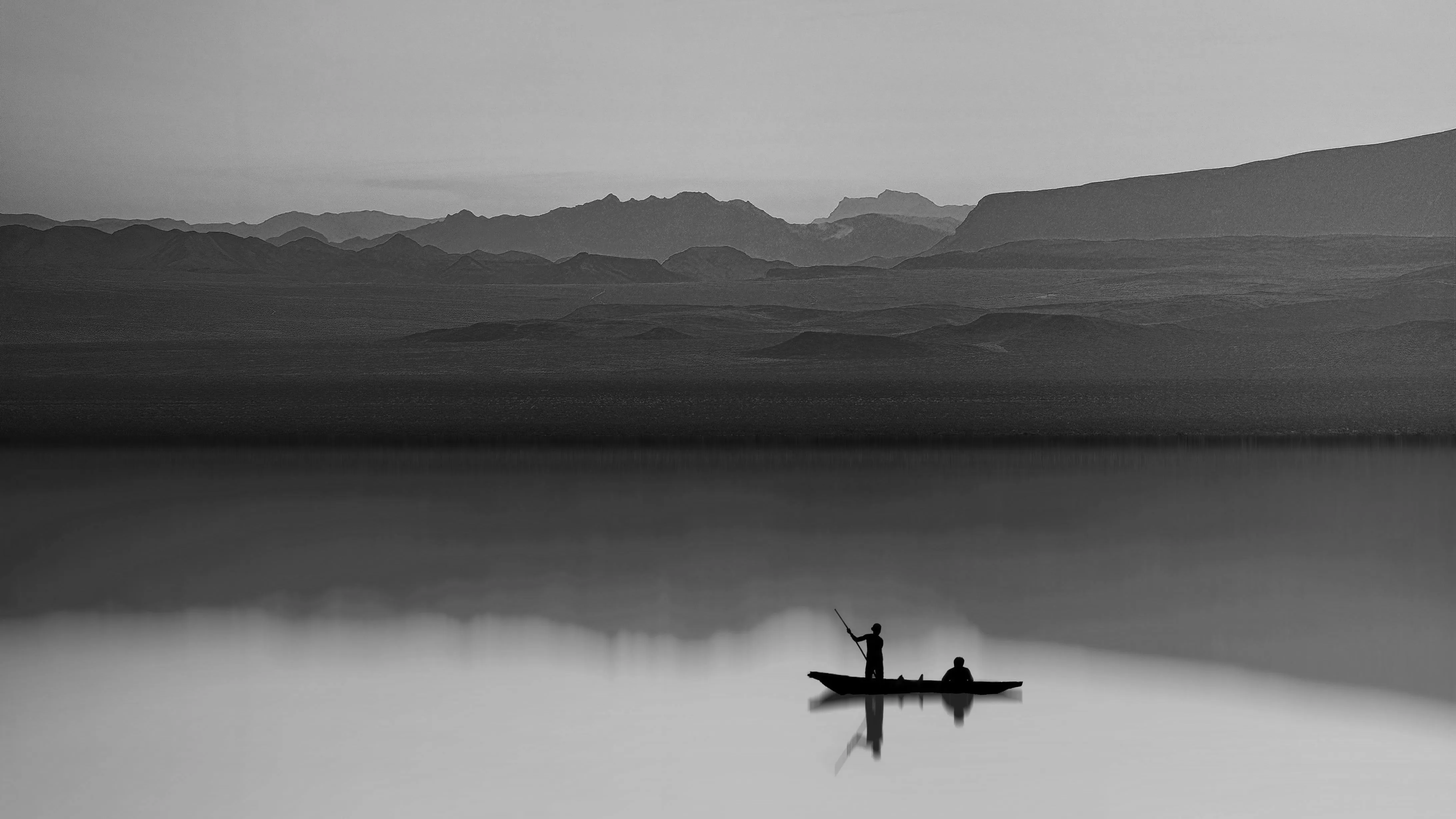 Before After
 StoryVis is built in the open, feature by feature. The precision tools below run today in the early-access editor — entirely in your browser, nothing uploaded.
Per-channel RGB curves with bezier handles, plus channel-level control. Shape contrast and color with precision.
Exposure, contrast, brightness, saturation, temperature, tint, hue, and blur — live sliders, with the original always preserved.
A non-destructive layer stack with full undo and redo. Your document autosaves to your browser as you work — no account, no cloud.
Isolate regions with selection tools and live overlays, then apply any adjustment to just that area. Every edit stays reversible.
Built on photon-rs compiled to WebAssembly, the creative tools apply instantly on your machine. Nothing uploads, nothing waits on a server.
Reframe with a live crop overlay and straighten a tilted horizon. Aspect ratios snap; the original pixels are never thrown away.
Eighteen-plus one-click film looks — Lofi, Oceanic, Dramatic, Golden, Obsidian — plus effects like sepia, mono, invert, solarize, emboss, and edge detect.
Color balance, a color wheel, temperature and tint, and channel mixing — push a mood without touching the rest of the frame.
Read a live histogram and scopes while you work, then export to PNG or JPEG at full resolution, straight from the browser.
StoryVis compiles from Rust to WebAssembly — the same binary format browsers use for high-performance graphics — and runs its photon-rs image pipeline on your machine. Edits apply at native speed. No server round-trips, no upload waits.
Open the editor